
Part 1 · Sunday evening
From one sentenceto the table.
It's Sunday. The week hasn't started and nobody knows what's for dinner on Tuesday. This is how you find a recipe with Umeli that suits everyone at the table, and how you cook it.
Start at Sunday 19:30Chapter 1 ·
Just say it
No search bar, no filters. You start with what you'd say to someone cooking with you.
-
Tap the microphone
Say what you feel like, the way you'd tell a friend. Prefer typing? Use the pencil. Discover also has starting points like Quick & easy and Surprise me.
-
Umeli only asks what it needs
If something's missing you get one focused question: how much time you have, how many courses, or what your guests eat. Ask for a menu and you get two to six courses as separate cards.
-
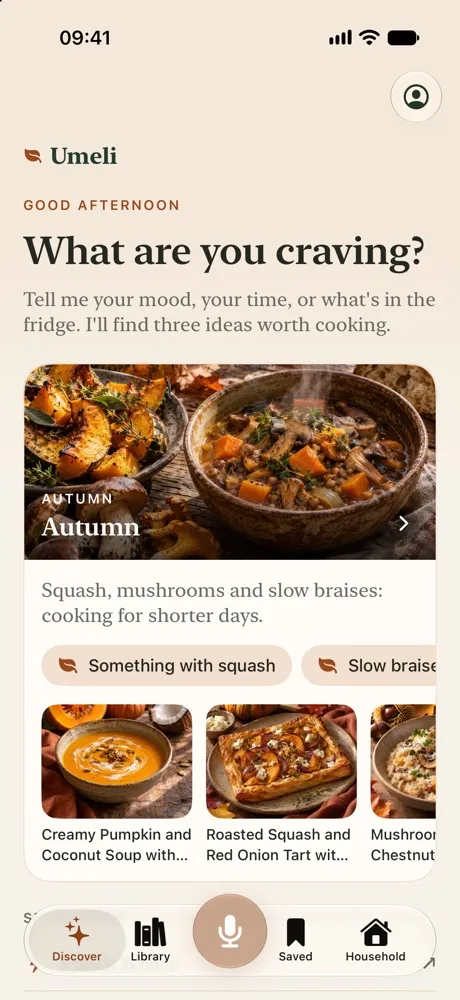
Three ideas, one by one
The cards appear as soon as they're ready, with what Umeli understood above them. Your household's allergies and diets are already taken into account.
-
Steer with your voice
"The second one, on Tuesday." Mention an evening and Umeli offers to put it on that day of the week menu.



Chapter 2 ·
A recipe for your table
The same dish looks different in every household, because Umeli knows who's eating.
-
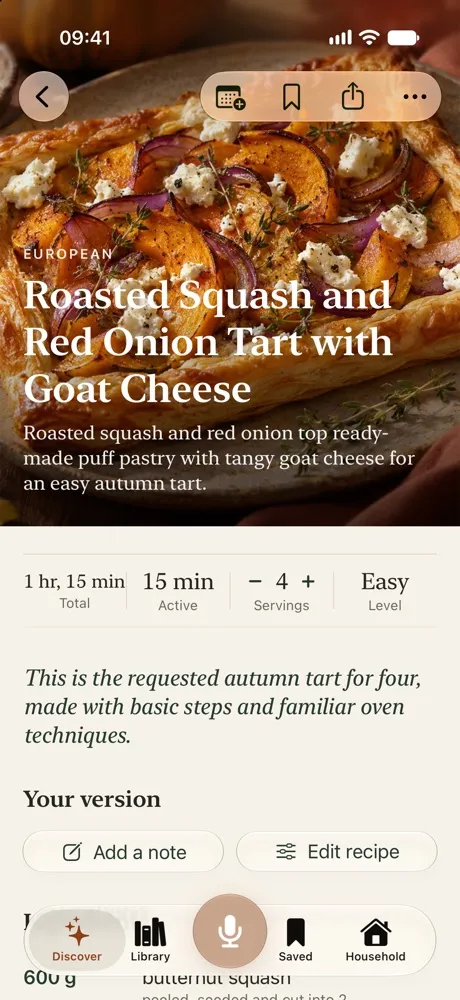
The recipe writes itself as you watch
You read the ingredients and steps while they're being written. Then the recipe is checked and ready to use.
-
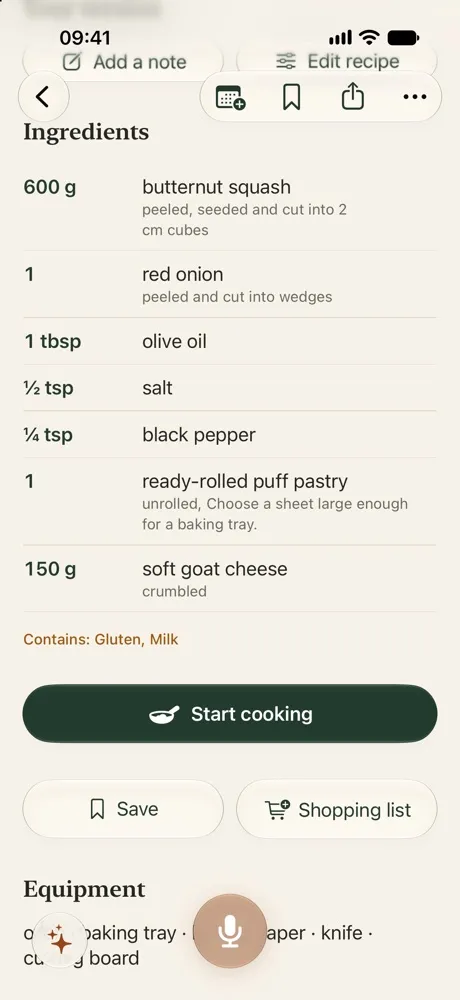
Who's eating?
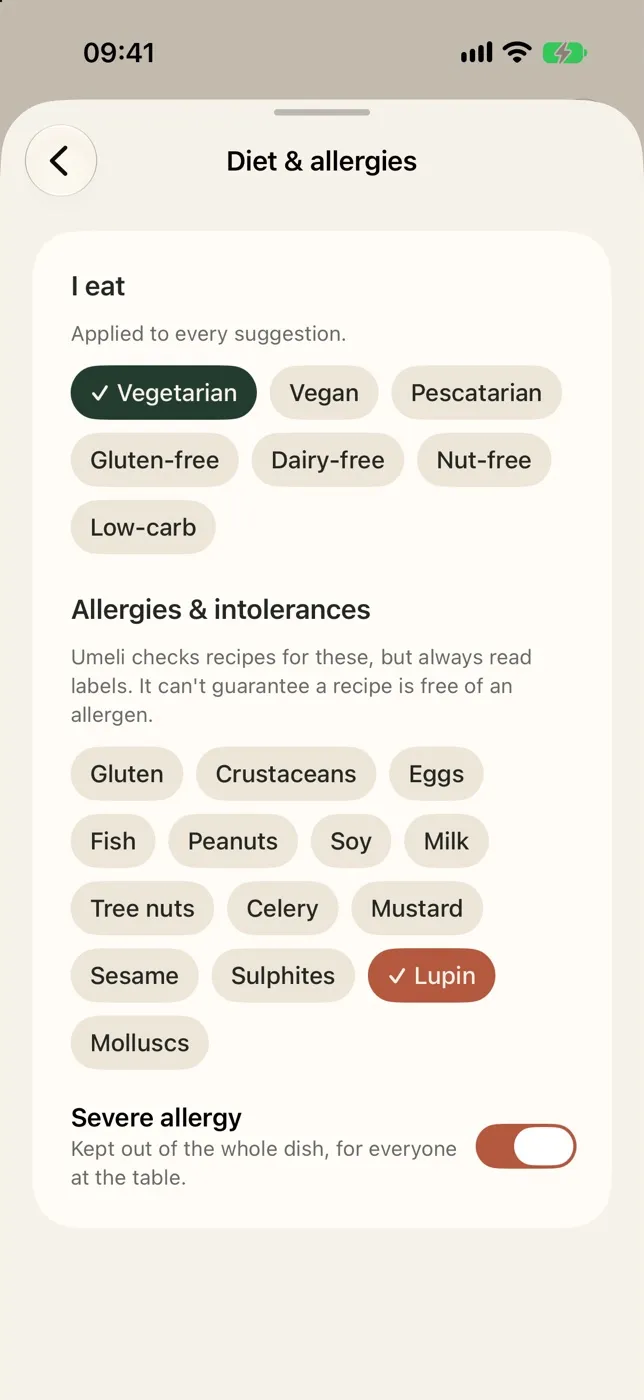
Tap who's at the table and the servings follow. Children count as half a portion. If something doesn't suit someone, the change for that person is in the recipe.
-
At your level, in your units
Your cooking level sets how hard a recipe is and how much explanation you get. Grams or cups, Celsius or Fahrenheit: you choose once.
-
Make it yours
Change ingredients, steps and servings in your own version. It cooks, scales and shops along, and you can always go back to the original.
Chapter 3 ·
Or start somewhere else
Not every recipe starts with a question. Sometimes it's in the fridge, or on your grandmother's card.
-
Browse the library
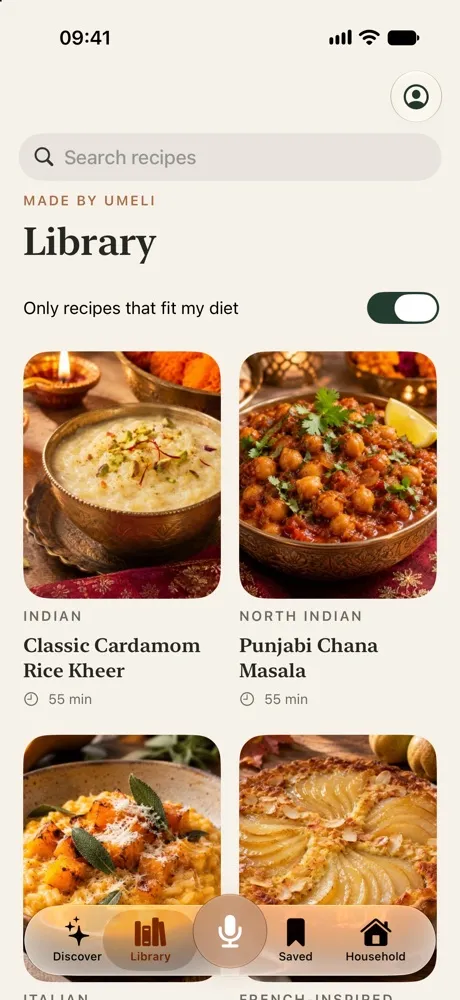
Search the library, or switch on recipes that fit your diet only. What you don't like counts too.
-
Bring in your own recipes
With a link, pasted text, a photo or the share button on a website. Umeli tidies it up, in your units.
-
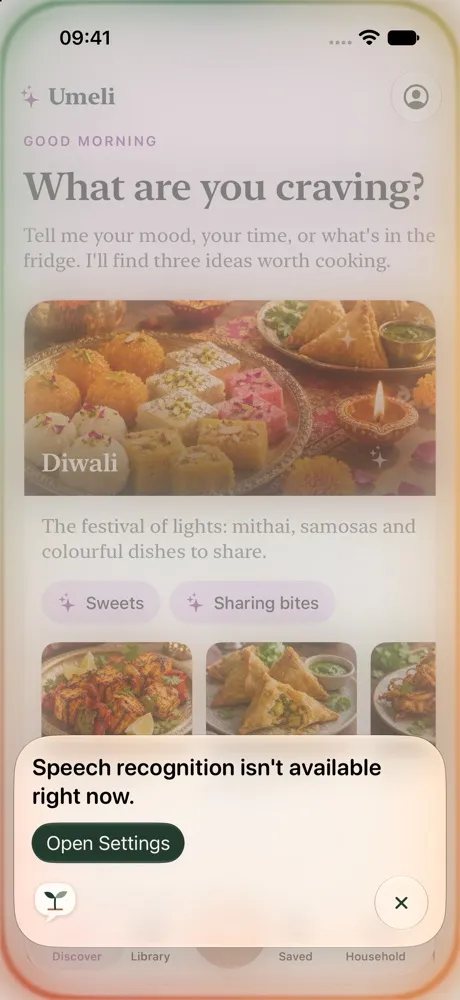
Cook along with what's being celebrated
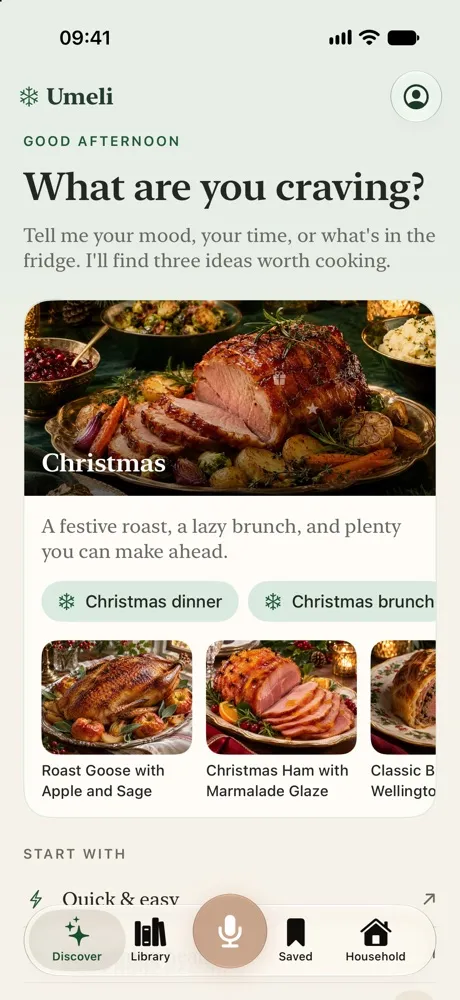
Around holidays Discover gets its own theme with fitting ideas. The card opens the library on that theme.
Chapter 4 ·
At the counter
Tuesday evening, the shopping's in. Now it's only the cooking.
-
Big steps, screen on
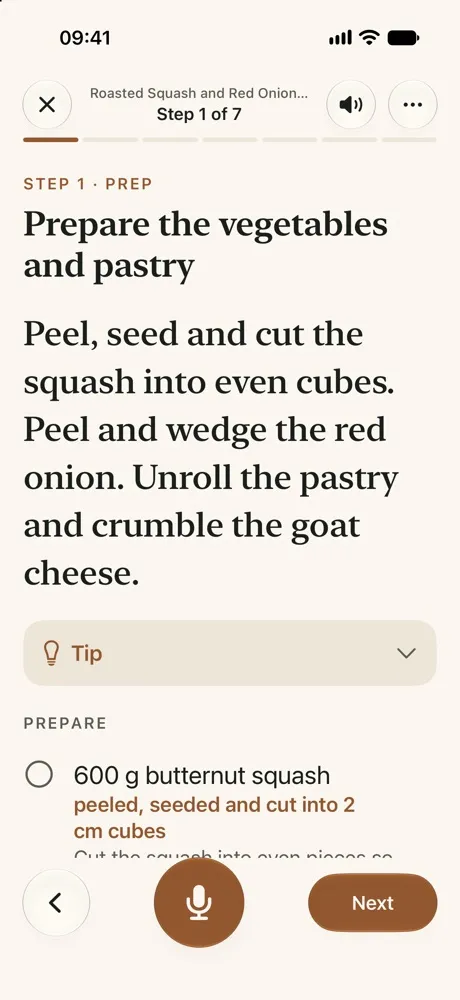
Cooking mode shows one step at a time, readable from the counter. Tap the edge for the next step. Prep has its own label, and you choose the text size.
-
Timers you won't miss
Any step can have a timer. It counts down on your Lock Screen and in the Dynamic Island, and goes off like a real alarm, even with the silent switch on.
-
Ask while you cook
Tap the microphone and ask what you want to know. You can have steps read aloud too.
-
After dinner
Give it stars, write a note for next time and say how hard it was, so your cooking level grows with you. Loved it? Share a link that opens without the app too.
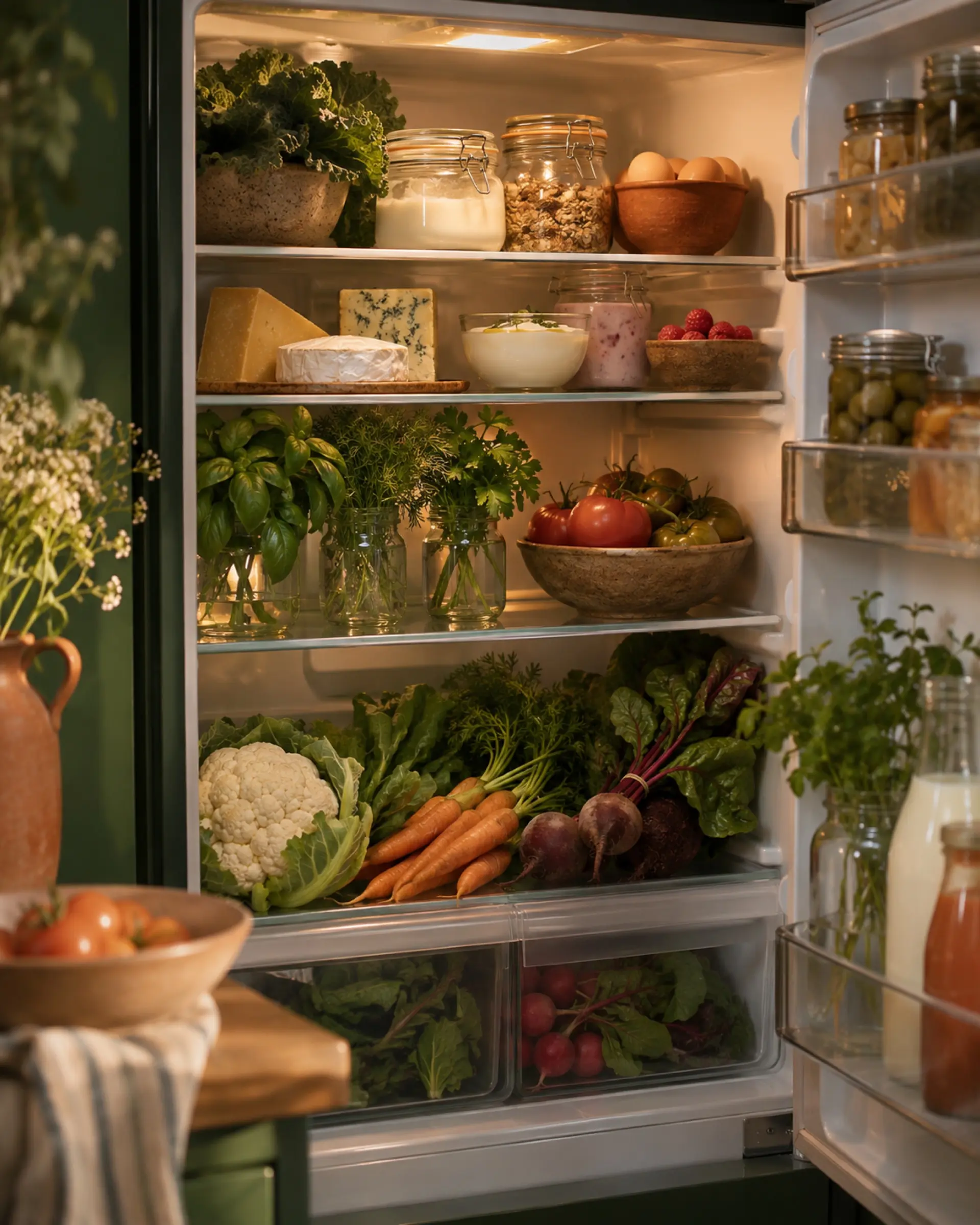
Fridge scan
What can I make with what I've got?
Take a photo of your fridge. Umeli recognises what's in it and comes up with dishes. You tick what's right, and that counts when you put a recipe on the list.
Recognised 10/10
- Eggs
- Yoghurt
- Aged cheese
- Raspberries
- Olives
- Basil
- Tomatoes
- Cauliflower
- Carrots
- Beetroot
Tonight you could make:
 Honey-Glazed Roast Carrots and Parsnips with Thyme
 Classic Shakshuka with Feta
 Classic Roasted Garlic and Cauliflower Mash
And there's more
Learns from your choices
Umeli keeps in mind what you save and cook. You turn that on or off yourself.
Goals and equipment
Set what's in your kitchen and what you're after, like dishes under 500 kcal.
Siri
Ask what to eat tonight, start a recipe or check your timer.
Saved
Everything you saved, viewed recently or cooked, in one place.
On to part 2
The recipe's picked. Now the list.
Sunday 20:10: from dish to a shopping list that adds up.
To the listComing soon to theApp Store